Turning the iPhone Action Button into a Public Transit Button
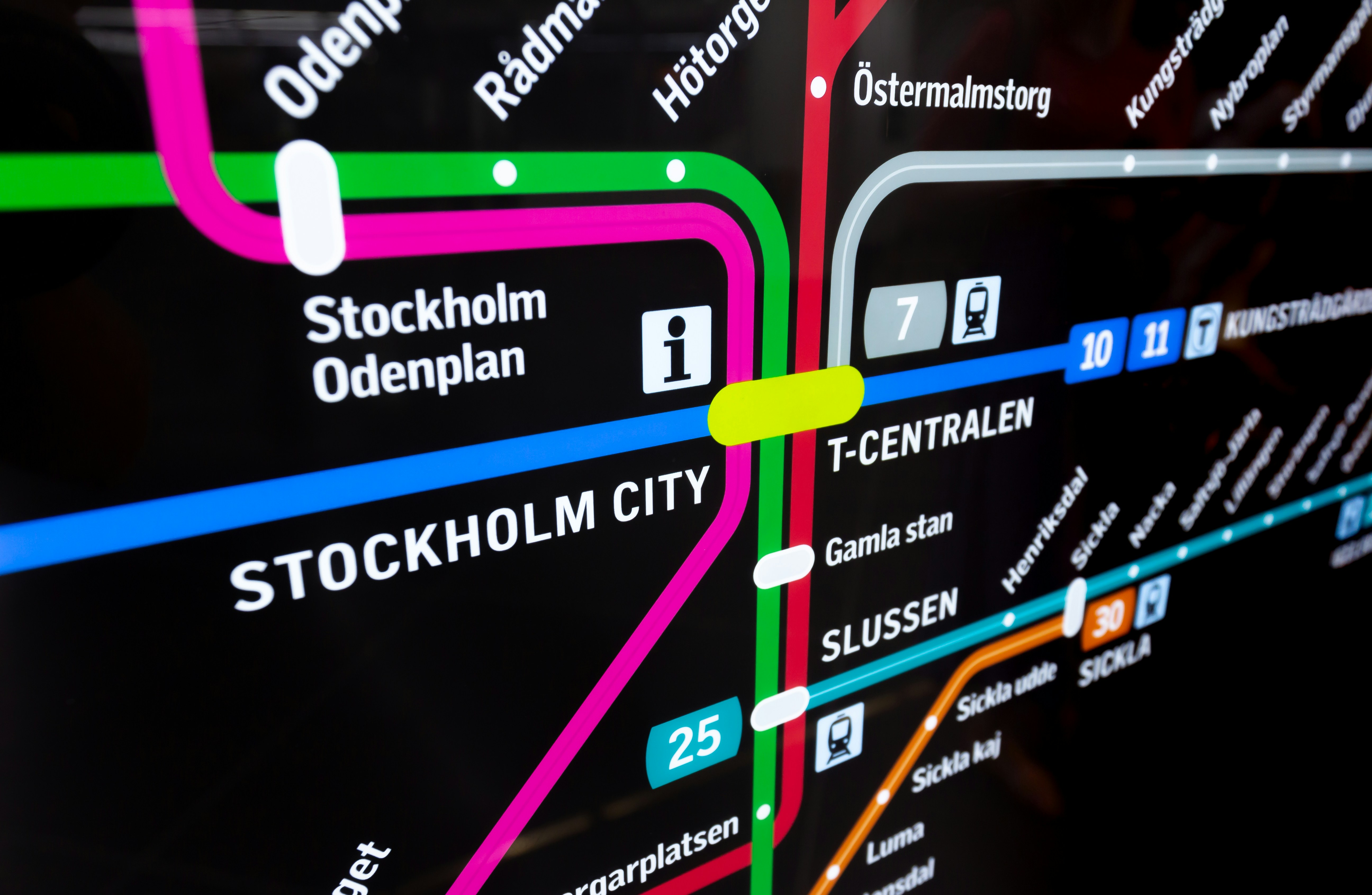
I cannot remember the last time I switched my phone from silent mode. The action button on my iPhone was therefore sitting there with very little to do. Meanwhile, at least twice a day, I was unlocking my phone, hunting for the SL app, and opening my commuter ticket.
Naturally, the sensible response was to build a location-aware public transport button. Most of my day-to-day travel happens in Stockholm, where the SL app is essential. The obvious solution would have been to use Apple Wallet, but my 30-day SL ticket still lives inside the SL app rather than Wallet. That meant an extra step every time I wanted to pass through the barriers.
The challenge is that I travel often enough that opening the Stockholm transport app everywhere is not particularly useful. If I am in Paris, I probably want Île-de-France Mobilités, not SL. If I am standing in an airport, a boarding pass is usually more valuable than a metro ticket.
What I really wanted was a single action that matched my intent rather than my location history. Press the button, and get the transport app that makes sense where I am.
Thankfully, iOS Shortcuts is perfectly capable of handling this sort of mildly over-engineered problem.
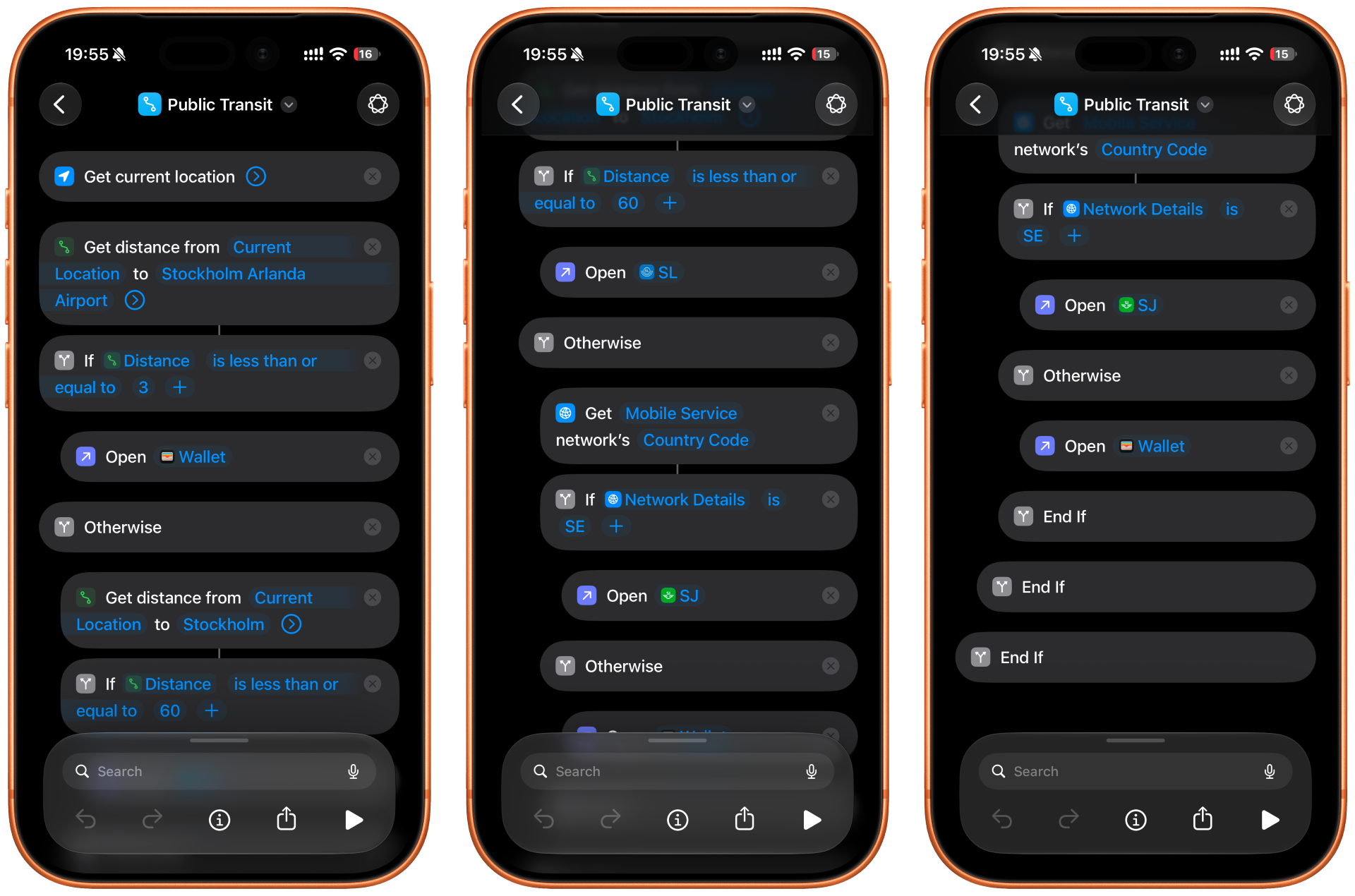
The shortcut follows a simple decision tree:
| Location / Geofence | Condition | Action |
|---|---|---|
| Arlanda Airport | Within 3 km of Stockholm Arlanda Airport | Open Apple Wallet |
| Stockholm Region | Within 60 km of central Stockholm | Open SL app |
| Rest of Sweden | Anywhere else in Sweden | Open SJ app |
| Elsewhere / Fallback | Outside Sweden | Open Apple Wallet |
Once the shortcut was working, the final step was assigning it to the Action Button. In Settings → Action Button, I selected Shortcut and chose my new “Public Transit” shortcut. From that point on, a single button press would automatically open the most relevant transport app for wherever I happened to be.
In practice, the result feels surprisingly natural. Around Stockholm, the button opens my commuter ticket. At Arlanda, it brings up boarding passes. Elsewhere in Sweden, it defaults to the national rail operator. Abroad, Wallet remains the safest fallback. How far from here, I guess the opportunities are endless. When in Iceland, I am in a rental car, so if I am not at Keflavik airport, should the button open the EasyPark app? Maybe this is a step to far for trips that are only once or twice per year. But the logic remains the same.
Could I simply open the relevant app manually? Absolutely.
Could I have spent the time on something more productive? Almost certainly.
However, the entire point of tools and automation is to remove small, repetitive annoyances. After a few weeks of use, my muscle memory only knows that one press of the action button means “transport”, and the phone quietly works out the details for me. Sometimes the best automations are the ones you stop noticing.